Last updated: April 2026
1. Acceptance of Terms
Welcome to Weeko. These Terms of Service and End User License Agreement (together, "Terms") form a legally binding agreement between you and Pina Studio, a trading name of ILLIA SHCHEDRYI, a sole proprietorship registered in Poland (NIP/VAT: 5272852694), Nowy Swiat 33/13, 00-029 Warsaw, Poland ("we", "us", or "our"), governing your use of the Weeko application and related services.
By downloading, installing, or using Weeko, you confirm that you are at least 13 years of age and agree to be bound by these Terms. If you do not agree, please do not use the app. We may update these Terms from time to time; continued use of Weeko after changes are posted constitutes your acceptance of the updated Terms.
2. License Grant (EULA)
Subject to your compliance with these Terms, Pina Studio grants you a limited, non-exclusive, non-transferable, revocable license to download and use Weeko on Apple-branded devices that you own or control, solely for your personal, non-commercial purposes.
You may not:
• Copy, modify, or create derivative works of the app.
• Reverse engineer, decompile, or disassemble the app.
• Remove or alter any proprietary notices or labels.
• Use the app for any unlawful purpose or in violation of any applicable regulations.
• Rent, lease, lend, sell, or sublicense the app to any third party.
Apple Notice
This EULA is concluded between you and Pina Studio only, not with Apple. Apple is not a party to this EULA and has no obligation whatsoever to provide maintenance or support services for Weeko. In the event of any failure of the app to conform to any applicable warranty, you may notify Apple and Apple will refund the purchase price, if any, for the app. To the maximum extent permitted by applicable law, Apple has no other warranty obligation with respect to Weeko.
3. Apple App Store Terms
Weeko is distributed through the Apple App Store. Your use of the app is also subject to the Apple Media Services Terms and Conditions. In the event of a conflict between these Terms and the Apple Media Services Terms, these Terms will govern to the extent of the conflict, except that usage rules for the app are governed by the Apple Media Services Terms.
Apple and its subsidiaries are third-party beneficiaries of these Terms, and upon your acceptance of these Terms, Apple will have the right (and will be deemed to have accepted the right) to enforce these Terms against you as a third-party beneficiary.
4. User Accounts
To use Weeko you must sign in using Google OAuth via our Supabase authentication service. You are responsible for:
• Providing accurate and complete information during sign-in.
• Maintaining the confidentiality and security of your account credentials.
• All activity that occurs under your account.
You must notify us immediately at info.weeko@gmail.com if you suspect any unauthorised use of your account. We reserve the right to suspend or terminate accounts that violate these Terms.
5. User Content
You retain full ownership of all tasks, routines, notes, and other content you create in Weeko ("User Content"). By using the service, you grant Pina Studio a limited, worldwide, royalty-free licence to process, store, and transmit your User Content solely as necessary to provide the Weeko service to you.
You represent that your User Content does not violate any third-party rights or applicable laws. We do not use your User Content for advertising, model training, or any purpose beyond operating the service.
6. AI Processing Disclosure
Weeko uses artificial intelligence (AI) to enhance your experience. Specifically:
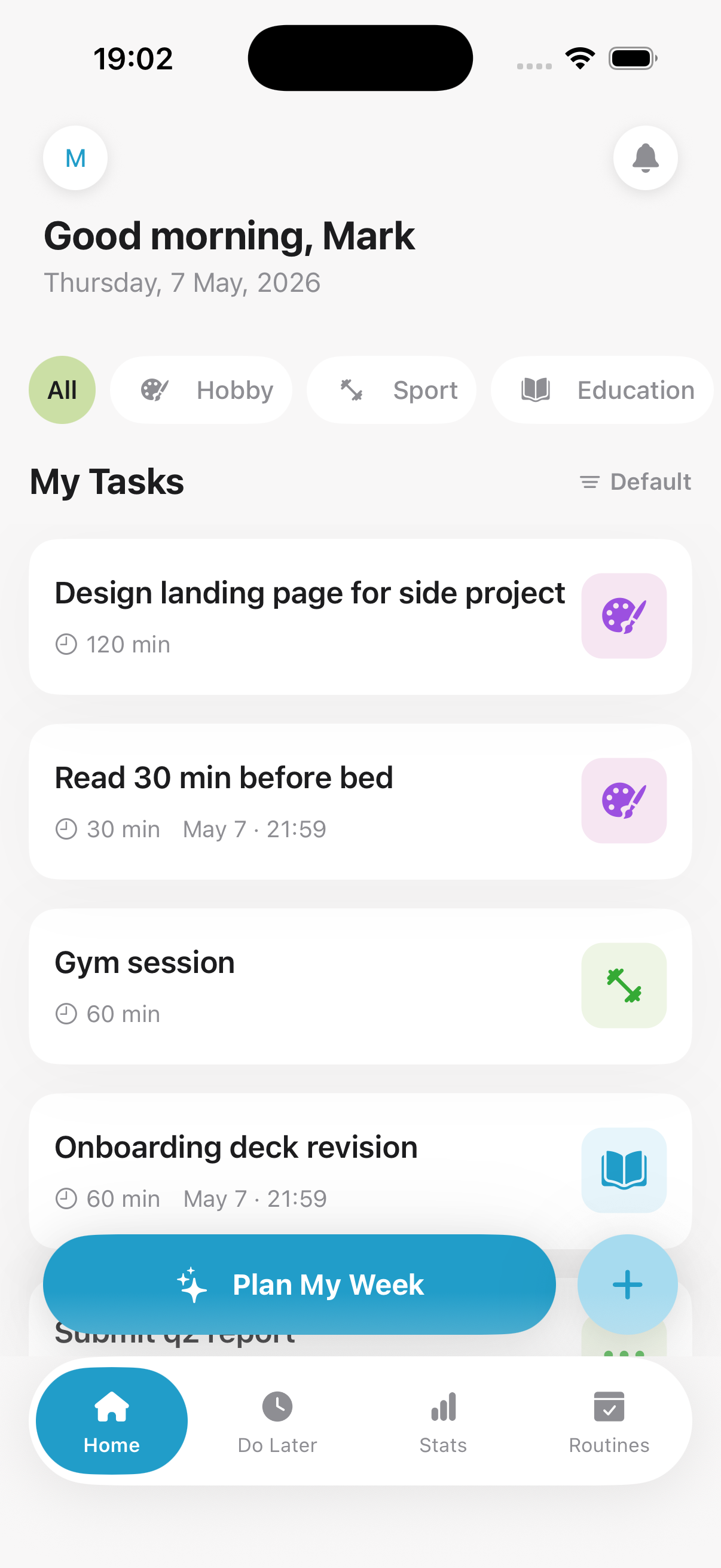
• Task enrichment: When you create or edit a task, the raw text you enter may be sent to OpenAI's API to automatically extract the task title, category, due date, duration, and priority.
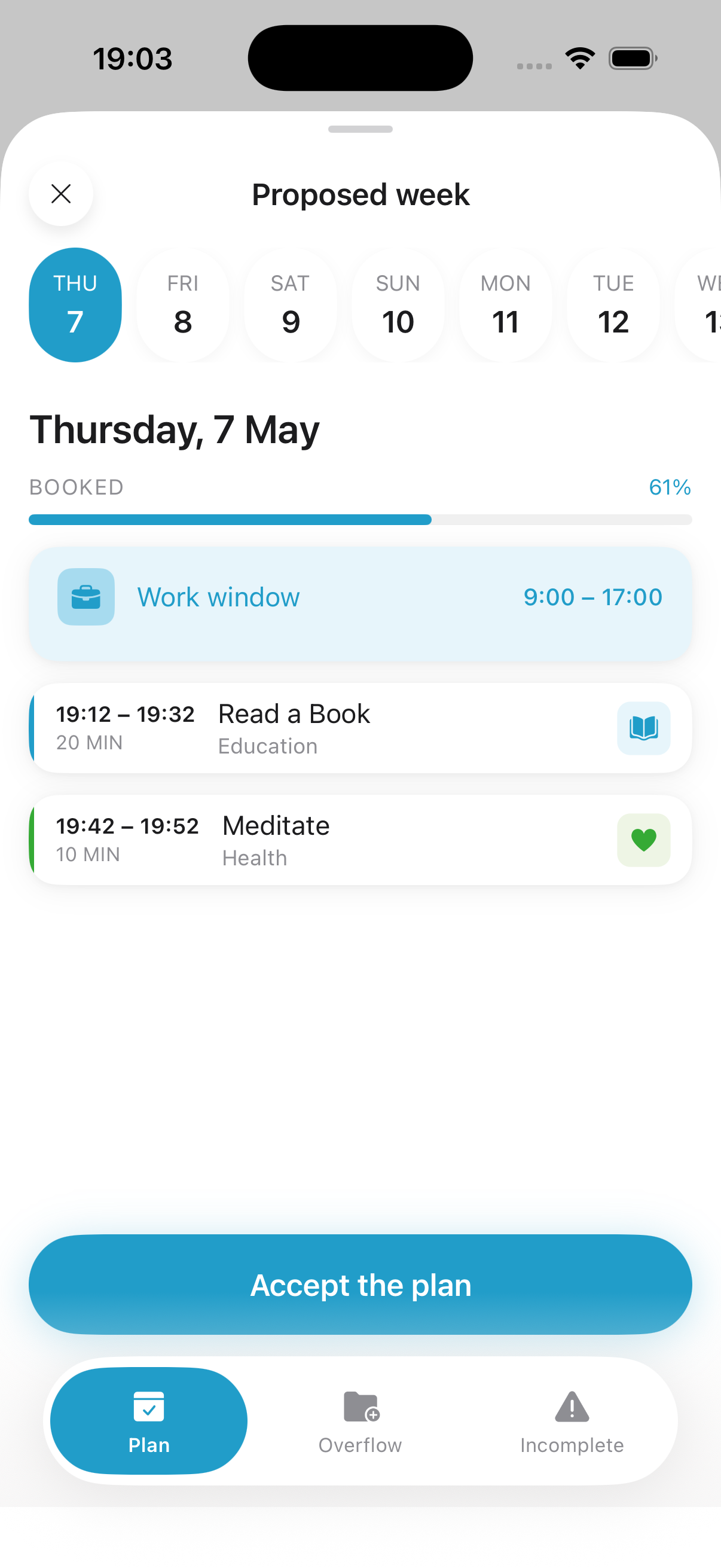
• Schedule proposals: Your task list, preferences, and anonymised calendar availability (busy/free slots only) are used to generate weekly schedule suggestions.
Your data sent to OpenAI is governed by OpenAI's Data Processing Agreement. OpenAI does not use your data to train its models under our enterprise agreement. Your Google Calendar event titles and descriptions are never shared with any AI service.
7. Pricing
Weeko is currently free to download and use with no in-app purchases. We may introduce optional paid features in a future version. If and when paid features are introduced, we will provide clear pricing information and obtain your explicit consent before any charges are made.
8. Prohibited Use
You agree not to use Weeko to:
• Violate any applicable local, national, or international law or regulation.
• Transmit any content that is unlawful, harmful, threatening, abusive, harassing, defamatory, or otherwise objectionable.
• Impersonate any person or entity or misrepresent your affiliation with any person or entity.
• Attempt to gain unauthorised access to any part of the service or its related systems.
• Use automated scripts, bots, or scrapers to interact with the service.
• Interfere with or disrupt the integrity or performance of the service or third-party data contained therein.
9. Intellectual Property
The Weeko application, including its design, graphics, user interface, trademarks, logos, and underlying code, is owned by Pina Studio and protected by intellectual property laws. Nothing in these Terms transfers any intellectual property rights to you.
You retain ownership of your User Content. Pina Studio retains all rights in the app itself. The Weeko name, logo, and all related marks are trademarks of Pina Studio.
10. Disclaimer of Warranties
Weeko is provided to you "as is" and "as available" without warranties of any kind, either express or implied. To the fullest extent permitted by applicable law, Pina Studio disclaims all warranties, including implied warranties of merchantability, fitness for a particular purpose, and non-infringement.
We do not warrant that the service will be uninterrupted, error-free, or that scheduling suggestions will be accurate or meet your specific requirements. You use the service at your own risk.
11. Limitation of Liability
To the maximum extent permitted by applicable law, Pina Studio and its affiliates, officers, employees, agents, and licensors shall not be liable for any indirect, incidental, special, consequential, or punitive damages arising from your use of or inability to use Weeko.
In no event shall our total liability to you for all claims arising from or related to these Terms or the service exceed the greater of (a) the amount you paid to us in the twelve months prior to the event giving rise to the claim, or (b) €50 EUR. Nothing in these Terms limits liability that cannot be excluded under applicable consumer protection law.
12. Governing Law & Disputes
These Terms are governed by and construed in accordance with the laws of Poland, without regard to its conflict of law provisions. Users in the European Union retain all mandatory consumer protections provided by the law of their country of residence, and nothing in these Terms limits those statutory rights.
For California residents, nothing in these Terms limits any rights available under the CCPA. Any dispute arising from these Terms that cannot be resolved informally should be submitted to the courts of competent jurisdiction in Poland, subject to applicable mandatory local law.
13. Contact & Changes
If you have any questions about these Terms, please contact us at info.weeko@gmail.com. We will respond within 30 days.
We reserve the right to modify these Terms at any time. For material changes, we will provide at least 30 days' notice via in-app notification or email before the new Terms take effect. Your continued use of Weeko after the effective date of the updated Terms constitutes your acceptance.